Publish the drafts you approve to your website
Updated
On Start you copy each approved draft into your site. On Growth and up, Nenn publishes it with one click.
Card needed. Cancel before day 7 and nothing is charged.
Demo account

Where can Nenn publish your drafts?
Nenn publishes an approved draft to five places: a hosted page, an embed widget, WordPress, Webflow or Framer. One-click publishing comes with Growth, Pro and the agency plans. On every plan you can copy a draft as Markdown, HTML or plain text. Nothing goes out before you click Approve.
How does the WordPress plugin work?
The Nenn Connector plugin pulls the articles you approved in Nenn into WordPress as normal posts. They are drafts by default, so you still press Publish in WordPress.
Real posts, not a script
Each article becomes a post built from Gutenberg blocks: headings, lists, tables and an FAQ section.
Schema in the page head
The plugin adds Article and FAQPage JSON-LD. If Yoast SEO or Rank Math already mark up the FAQ, it leaves that to them.
Sync every 15 minutes
The plugin checks Nenn every 15 minutes. A "Sync now" button pulls changes at once.
Never deleted
Unpublish or edit an article in Nenn and the post goes back to draft. The plugin never deletes a post.
Set it up in three steps
- Download the plugin from Nenn
Get the zip in the Nenn app. In WordPress open Plugins, Add New, Upload Plugin, and activate it.
- Copy the connection key
In Nenn open Settings, WordPress, Connect WordPress. The key is shown only once.
- Paste the key in WordPress
Open Settings, Nenn in WordPress. Paste the key, click "Save key and test", then "Sync now".
Needs WordPress 6.0 or newer and PHP 7.4 or newer. The plugin sends Nenn only your site address, the WordPress and plugin version, and the address of its REST route. Nothing about your visitors is sent.
How does publishing to Webflow work?
Nenn writes approved articles into a collection of your Webflow site. You connect with a site API token, not with a plugin.
Connect with a site token
In Webflow open Site settings, Apps & integrations, API access. Create a token and paste it in Nenn.
Nenn finds the blog collection
Nenn suggests a collection called Blog, Posts or Articles and maps the fields. No collection yet? Nenn can create one.
Draft mode or Publish mode
In Draft mode the item waits in Webflow and you publish it there. In Publish mode Nenn makes it live.
Withdraw without loss
Withdraw an article in Nenn and it goes offline in Webflow. The item stays as a draft and is never deleted.
How does publishing to Framer work?
Nenn writes approved articles into a CMS collection of your Framer project. You connect with the project URL and an API key.
Connect with an API key
In Framer open Site settings, API keys. Paste the key and the project URL in Nenn.
Use a collection or get one
Pick a CMS collection, or let Nenn create "Blog" with Title, Body, Summary, FAQ, Schema and Date.
Draft mode or Publish mode
In Draft mode you publish in Framer. In Publish mode Nenn publishes the project and deploys it to your domains.
Withdraw means draft
Withdraw an article in Nenn and its item turns back into a draft. Drafts are not published.
Hosted page or embed widget?
Both need no CMS. The difference is what AI crawlers can read.
Hosted page
Nenn serves the article as plain HTML on its own page. AI crawlers read it without running JavaScript.
Embed widget
One script tag shows your articles inside your site, in your font. AI crawlers do not run JavaScript, so they do not see it. Each widget article links to its hosted page, the version crawlers can read.
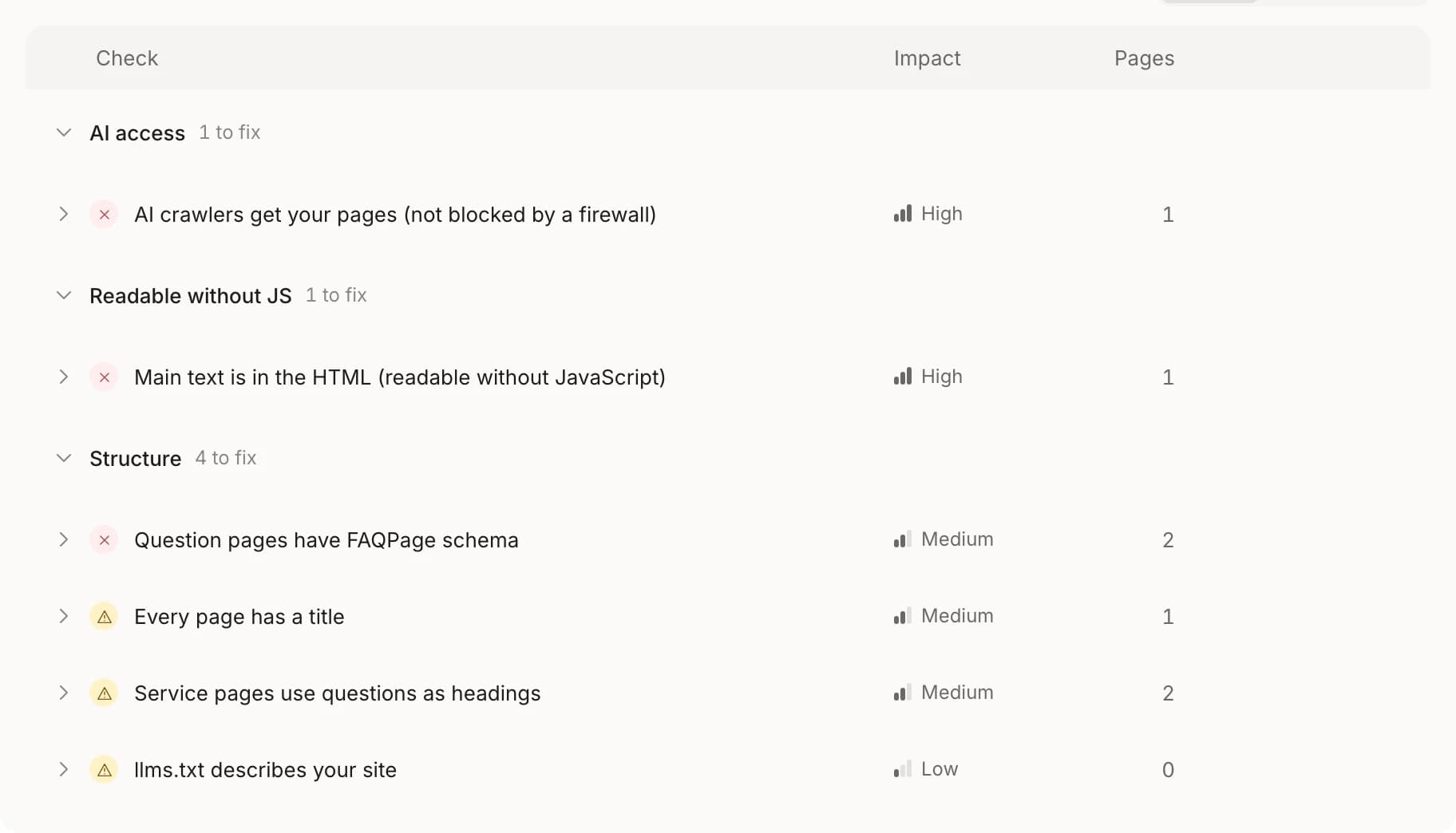
Not sure what crawlers see on your site? Read can ChatGPT see my website, or see how NennBot reads pages.
Which publishing method fits you?
Every method waits for your Approve. They differ in setup, in who presses publish, and in plan.
| Method | Setup | Who presses publish | Readable without JavaScript | Plan |
|---|---|---|---|---|
| Copy as Markdown, HTML or text | None | You, in your own site | Same as your other pages | Every plan |
| Hosted page | None | Nenn, after your Approve | Yes, plain HTML | Growth and up |
| Embed widget | One script tag | Nenn, after your Approve | No, it links to the hosted page | Growth and up |
| WordPress | Plugin and key | You in WordPress, or Nenn if you choose | Yes, a normal post | Growth and up |
| Webflow | Site API token | You in Webflow (Draft mode) or Nenn (Publish mode) | Same as your other CMS pages | Growth and up |
| Framer | Project URL and API key | You in Framer (Draft mode) or Nenn (Publish mode) | Same as your other CMS pages | Growth and up |
Questions about publishing
Does Nenn publish anything without me?
No. Only drafts you approved are sent at all. In WordPress the default is a draft post. In Webflow Draft mode you publish the item yourself.
Can I edit the post in WordPress?
Yes, but the next change in Nenn overwrites the text. Edit in Nenn to keep both in step. Slug, categories and author stay as you set them in WordPress.
What happens when I disconnect?
The sync stops. In WordPress the plugin removes its settings and your posts stay exactly as they are. Nenn never deletes a post or a CMS item.
Can I publish with one click on Start?
No. On Start you copy each draft as Markdown, HTML or text. One-click publishing comes with Growth, Pro and the agency plans. Compare them on the pricing page.
Does the plugin work with Yoast SEO and Rank Math?
Yes. Canonical, title and meta tags stay with your SEO plugin, and the FAQ markup is not added twice.
WordPress, Webflow and Framer are trademarks of their owners. Nenn is not affiliated with them or endorsed by them.
Write it in Nenn, publish it where your customers read
Start the 7-day trial, or try the test run first. One-click publishing comes with Growth and up.
Card needed. Cancel before day 7 and nothing is charged.